Press play.
Meet the band.
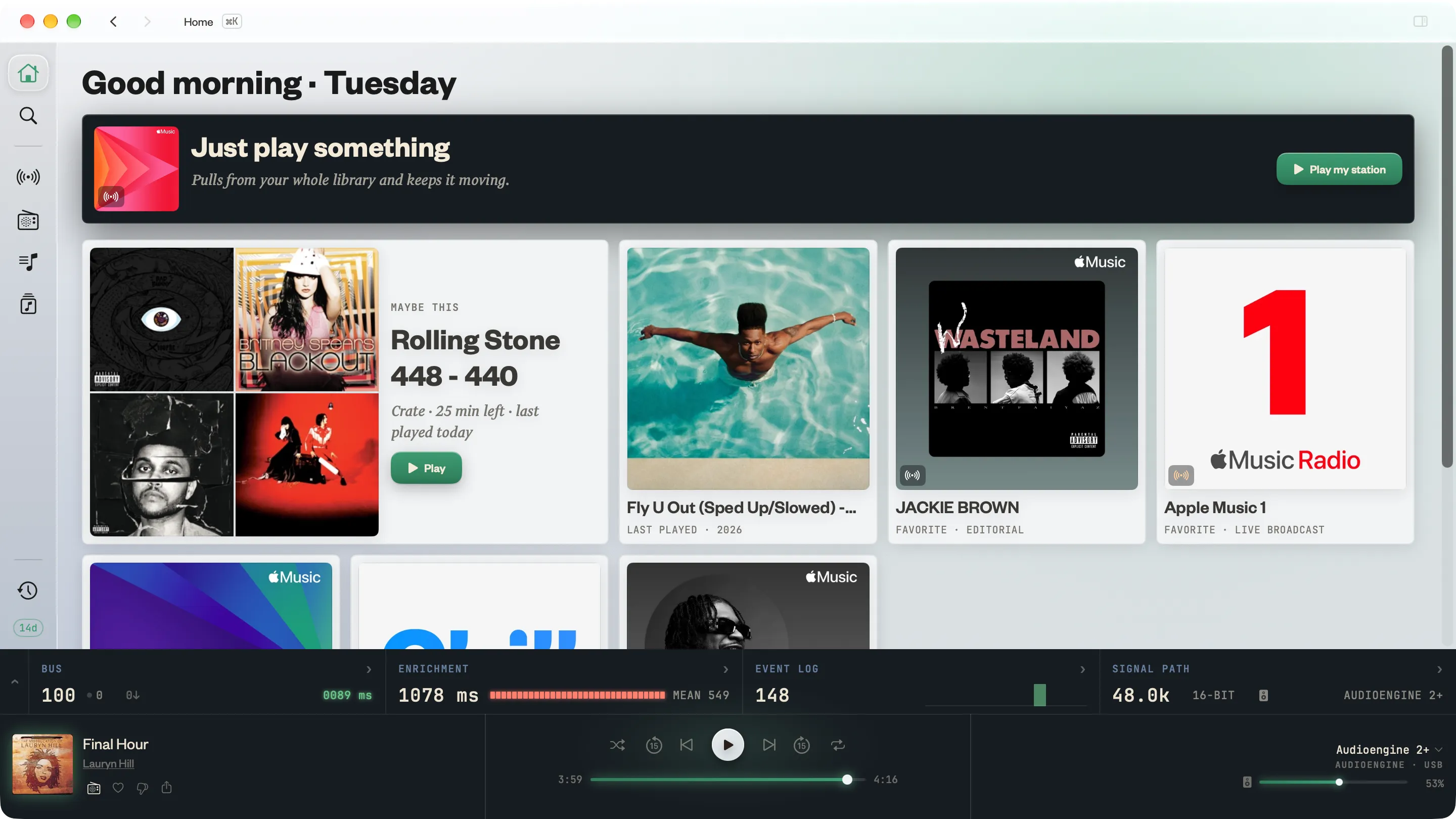
A deeper way to play the Apple Music® library you already have. Credits, samples and history surface as the music plays, alongside Crates, a private Listen Log and live signal‑path readouts. One player, bought once.
Uses your existing Apple Music subscription. Two weeks free, then yours.
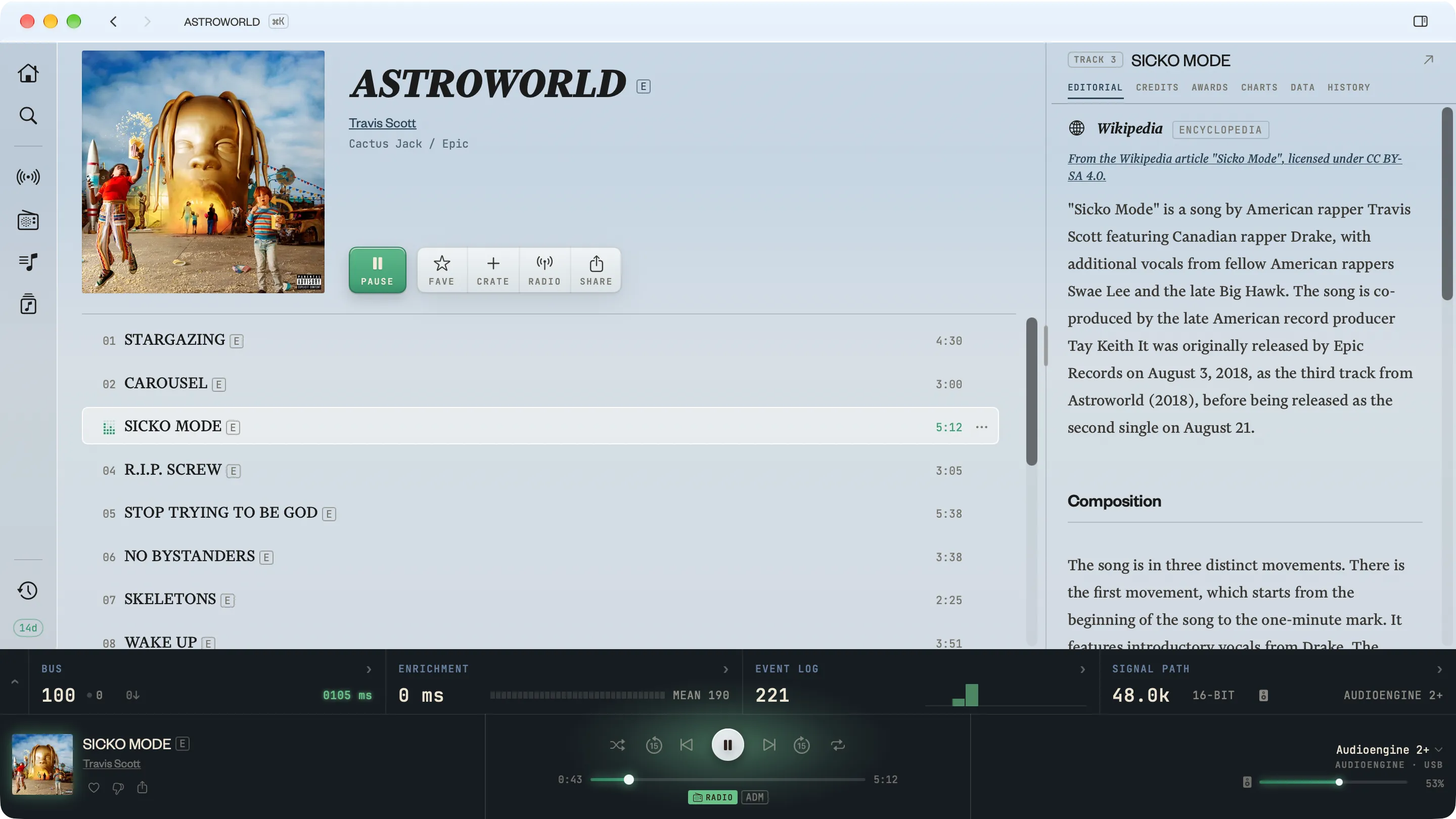
The liner notes, brought back to the song.
Kapell brings together data from across the open web to show who's behind the song: producers, writers, session players, the studio, even the sample under the hook.
Remote. Hi‑fi quality, lo‑fi price.
Drive the Mac connected to your DAC from the one on your lap. Your laptop sends commands over the network, and the receiver plays the music, with no re-encoding or resampling. Included with Kapell.
- Audio plays at the source rate. Apple Music max: 24‑bit / 192 kHz.
- Your DAC may go higher. We admire it from here.
- Cables shown not to scale. Or price.
Already in the box.
The index
Open a genre, an artist, a producer or a studio and dig, narrowed by decade, format or subgenre.
One index, lots of ways in ›Crates
Stacks you build and flip through on purpose, kept out of your Recently Played.
About Crates ›Listen Log
A private record of what you play, synced through your own iCloud. Scrobbling optional.
About the Listen Log ›Signal path
Rates, depths and live readouts of what the app is actually doing. Your DAC will enjoy the attention.
Read the meters ›Also included
Stations
Play your existing stations, and make new ones any time.
Lossless, as delivered
The lossless and hi‑res your subscription already includes.
Private by default
What you play lives on your Mac and syncs through your own iCloud.
Your Apple Music
The subscription and library you already have. Nothing to migrate.
Features we're working on.
Buy it once. Own the whole thing.
No subscription. No per month, forever. Try the whole thing free for two weeks, then own it.
- The full player, yours forever
- Crates that stay out of Recently Played
- Listen Log, private and synced
- Scrobbling to Last.fm and ListenBrainz
- Credits, samples & history, cited
- Updates and new features as they ship
Fair questions.
What is Kapell?
A Mac player for the Apple Music library you already have. While a track plays, Kapell shows who produced it, who played on it, what it sampled and where it came from: the liner notes streaming left out.
Do I still need an Apple Music subscription?
Yes. Kapell plays through your existing Apple Music subscription and library, lossless and hi‑res included. It doesn't host or stream any music itself, so there's nothing to migrate.
Which Macs does it run on?
Any Mac running macOS 26 Tahoe or later.
Where do the credits and samples come from?
Open data. MusicBrainz supplies the credits and sample lineage, and Wikidata and Wikipedia add the history and context. Every source is cited right where its data shows. How enrichment works
Will every song have credits?
Nope! But a lot do. Obscure or really new records tend to be thinner. What to do when credits are missing
Does it play music I've imported myself?
Yes. If it's in your Apple Music library, Kapell can play it. Credits for your own files aren't there yet, though. More on local libraries
How much is it, and is there a subscription?
No subscription. Kapell is a free download with a 14‑day trial of the whole app, credits included. After that, a one‑time $19.99 unlocks everything. There's no cut‑down free tier and nothing else to buy.
What does Kapell send off my Mac?
To look up credits, Kapell sends the identifier of the track you're playing to its server. It looks up music, not people: there's no Kapell account and no profile of you. Your Listen Log stays on your Macs and syncs through your own iCloud. Read the full privacy policy
Can I keep scrobbling to Last.fm or ListenBrainz?
Yes, to either or both. Scrobbles go straight from your Mac and never pass through Kapell's servers. Learn more about scrobbling