v1.2.0 released, UI Edition
Revamped split view, new chin telemetry, and lots of UI fixes.
Version 1.2.0 of Kapell has just been released on the App Store.
This release didn’t get a bunch of beta release posts. It was a focused branch aimed at righting the wrongs of a rookie macOS developer with more energy than experience.
Split view
The focus of the work is a revamped split view with a small left rail and dedicated enrichment pane with tabs.
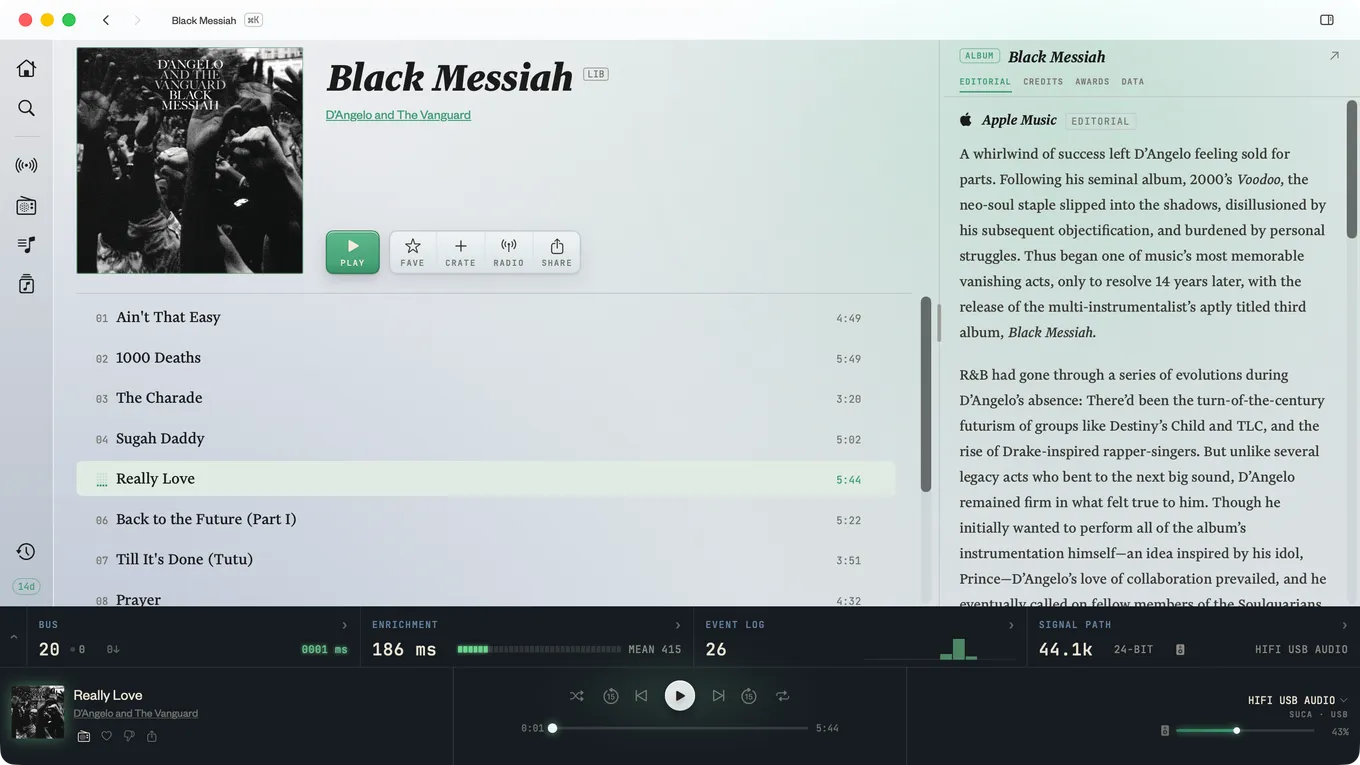
Kapell’s telemetry is now mounted on the restyled chin/transport area. It can be toggled on or off, as well as small or medium. Individual units in the rack can be expanded, yielding more information.
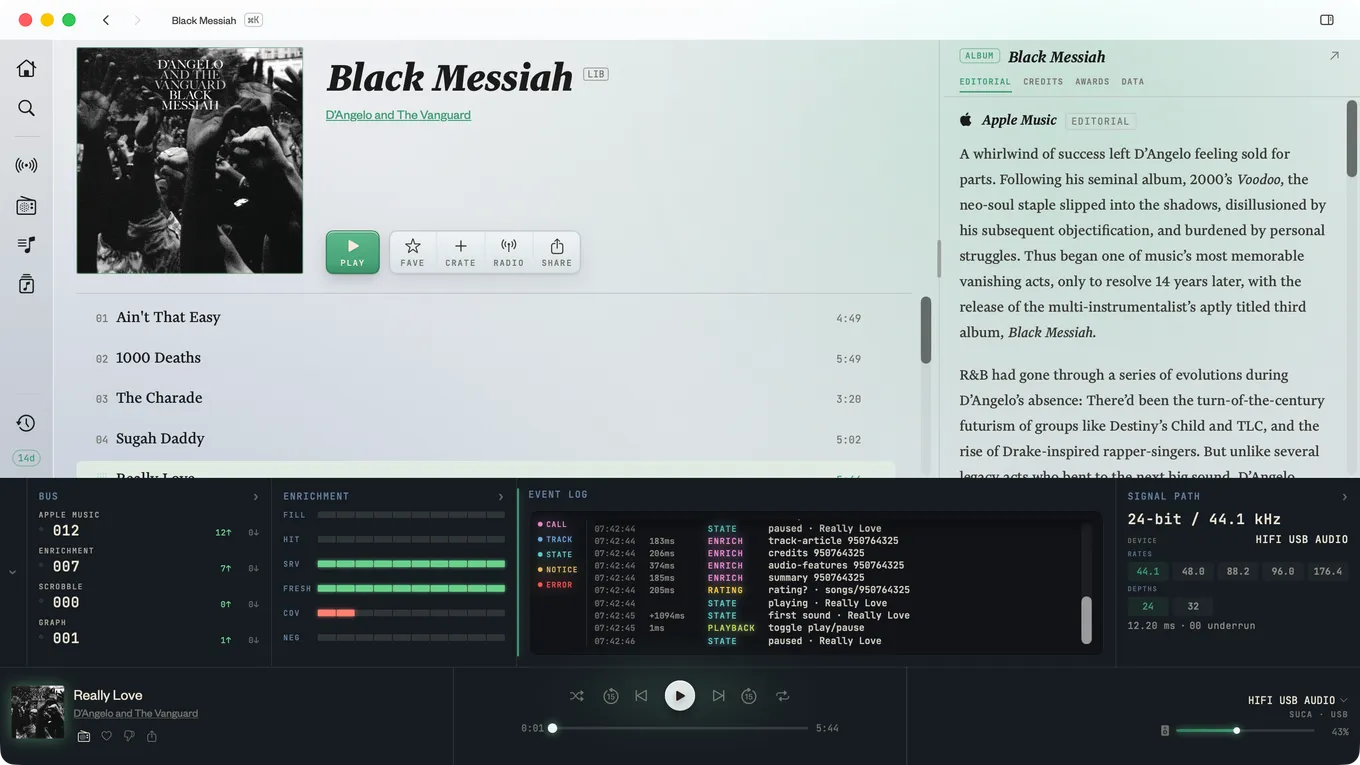
And more for quality of life
There are lots of small improvements nestled in these changes:
- ⌘-K launched “command palette” for jumping to screens
- Hotkeys for sidebar items (⌘-f for search, ⌘-1 through ⌘-6 for others)
- Responsive album header and button placement for smaller window sizes
- Latched play controls to avoid buttons in weird states and shimmering track lists
- Show Album option when right clicking on album art in the chin